

Introduction
Night City is massive, dense, and packed with detail. From neon-lit streets to dangerous back alleys, getting around efficiently becomes essential as the game progresses. Many players quickly ask how to fast travel in Cyberpunk because manually driving or walking everywhere can eat up valuable time, especially when juggling gigs, side jobs, and main missions.
Understanding how to fast travel in Cyberpunk is not just about saving time—it’s about playing smarter. Fast travel helps you manage quests efficiently, return to ripperdocs, vendors, or fixers quickly, and focus more on the story and combat instead of long commutes. However, Cyberpunk 2077 handles fast travel differently from many open-world RPGs, which can confuse new players.
This complete guide explains everything you need to know about fast travel in Cyberpunk 2077, including how it works, how to unlock locations, common mistakes, and tips to use it effectively while exploring Night City.
Understanding Fast Travel in Cyberpunk 2077
Before learning how to fast travel in Cyberpunk, it’s important to understand how the system is designed. Unlike many open-world games, Cyberpunk 2077 does not allow instant teleportation from the map screen alone.
Fast travel is tied to physical locations called dataterms. These terminals are scattered across Night City and must be accessed in person. Once activated, they allow you to travel to any other unlocked dataterm.
This design encourages exploration while still offering convenience once areas are discovered.
When Fast Travel Becomes Available
Fast travel is not unlocked immediately at the very start of the game. As you progress through the early main missions, the feature becomes available naturally.
After completing the initial story missions in Watson and gaining more freedom in Night City, dataterms become active. From this point onward, players can begin learning how to fast travel in Cyberpunk efficiently.
There is no skill requirement or perk needed—fast travel is available to all players once unlocked.
How to Fast Travel in Cyberpunk Step by Step
If you’re wondering exactly how to fast travel in Cyberpunk, the process is straightforward:
- Open your map and locate a fast travel dataterm icon.
- Travel physically to that location in the world.
- Interact with the dataterm terminal.
- Select another unlocked fast travel point from the list.
- Confirm and instantly travel to that location.
You cannot initiate fast travel directly from the map without interacting with a dataterm, which is a key difference compared to other RPGs.
What Are Fast Travel Dataterms
Dataterms are kiosks found throughout Night City, often near streets, metro stations, and major intersections. They are clearly marked on the map once discovered.
Each dataterm acts as both a destination and a departure point. Once you approach a dataterm for the first time, it is permanently unlocked.
Learning to spot dataterms quickly is a core part of mastering how to fast travel in Cyberpunk.
How to Unlock More Fast Travel Locations
Unlocking fast travel points is tied directly to exploration. Simply passing near a dataterm—on foot or by vehicle—adds it to your map.
You don’t need to interact with every dataterm immediately. Driving through new districts naturally unlocks more locations over time.
Players who explore more of Night City early will have a much easier time fast traveling later in the game.
Using the Map for Fast Travel Planning
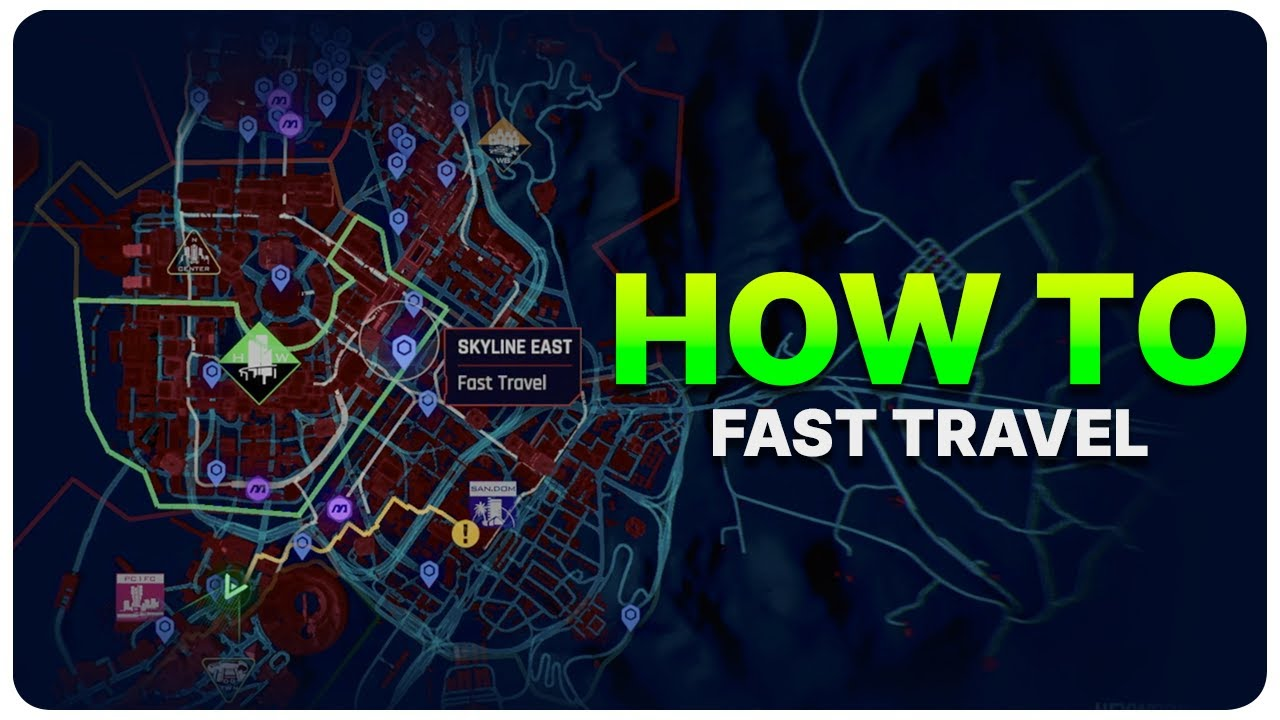
While you can’t fast travel directly from the map, it’s still an essential planning tool. The map shows all unlocked dataterms, allowing you to choose the most efficient destination.
Understanding how to fast travel in Cyberpunk also means knowing which dataterm is closest to your objective. Sometimes, fast traveling to a nearby point and walking a short distance is faster than driving across districts.
Strategic map usage saves both time and frustration.
Metro System and Alternative Fast Travel
In later updates, Cyberpunk 2077 introduced a functioning metro system. While primarily immersive, it also acts as a form of fast travel between stations.
Metro stations work similarly to dataterms and help cover large distances quickly. They add realism while still supporting fast navigation.
Combining dataterms and metro stations offers more flexibility when learning how to fast travel in Cyberpunk efficiently.
Fast Travel vs Driving: Which Is Better
Fast travel is efficient, but driving offers immersion. Night City is designed to be experienced, not just skipped.
Driving allows you to discover side gigs, random encounters, and hidden details. Fast travel, on the other hand, is ideal when backtracking or completing multiple objectives quickly.
The best approach is balance—use fast travel for efficiency and driving for exploration.
Tips to Save Time While Fast Traveling
To get the most out of how to fast travel in Cyberpunk, keep these tips in mind:
- Unlock dataterms early by exploring each district.
- Combine fast travel with walking for short distances.
- Use fast travel after completing clusters of missions.
- Memorize key dataterms near fixers and vendors.
These habits dramatically improve pacing and gameplay flow.
Common Fast Travel Mistakes to Avoid
Many players misunderstand fast travel mechanics early on. A common mistake is trying to fast travel directly from the map without visiting a dataterm.
Another error is ignoring exploration, which limits available fast travel options later. Some players also overuse fast travel and miss valuable content.
Understanding these pitfalls improves your overall experience with fast travel.
Why Some Players Choose Not to Fast Travel
Interestingly, many players intentionally limit fast travel. Cyberpunk 2077’s world is rich, atmospheric, and filled with environmental storytelling.
Driving through Night City reveals dynamic NPCs, ambient dialogue, and visual details that fast travel skips entirely. For immersion-focused players, fast travel is used sparingly.
Knowing how to fast travel in Cyberpunk gives you control—but how often you use it is up to you.
Fast Travel After Major Game Updates
Game updates and expansions have refined fast travel usability, improving map clarity and adding transportation options.
Despite updates, the core system remains the same: dataterm-based travel requiring physical interaction. This consistency ensures players always understand how navigation works.
Keeping the system grounded maintains immersion while still offering convenience.
Conclusion
Learning how to fast travel in Cyberpunk is essential for navigating Night City efficiently. By understanding dataterms, unlocking locations through exploration, and using the map strategically, players can save time without sacrificing immersion.
Fast travel in Cyberpunk 2077 is designed to support gameplay—not replace exploration. When used wisely, it enhances pacing, reduces downtime, and keeps the focus on story, combat, and choice.
Mastering fast travel means mastering Night City itself.
FAQ’s
How to fast travel in Cyberpunk if it’s not working?
You must physically interact with a dataterm; it cannot be done directly from the map.
Do I need to unlock fast travel points manually?
No, simply passing near a dataterm unlocks it automatically.
Can you fast travel during missions?
Some missions restrict fast travel, but most allow it before or after objectives.
Is fast travel free in Cyberpunk 2077?
Yes, there is no cost associated with fast travel.
Does fast travel affect story or choices?
No, fast travel does not impact story outcomes or decisions.